No description
| src | ||
| .gitignore | ||
| config.example.yaml | ||
| fluxer-reaper.jpg | ||
| fluxer-reaper.py | ||
| README.md | ||
| requirements.txt | ||


Fluxer Reaper
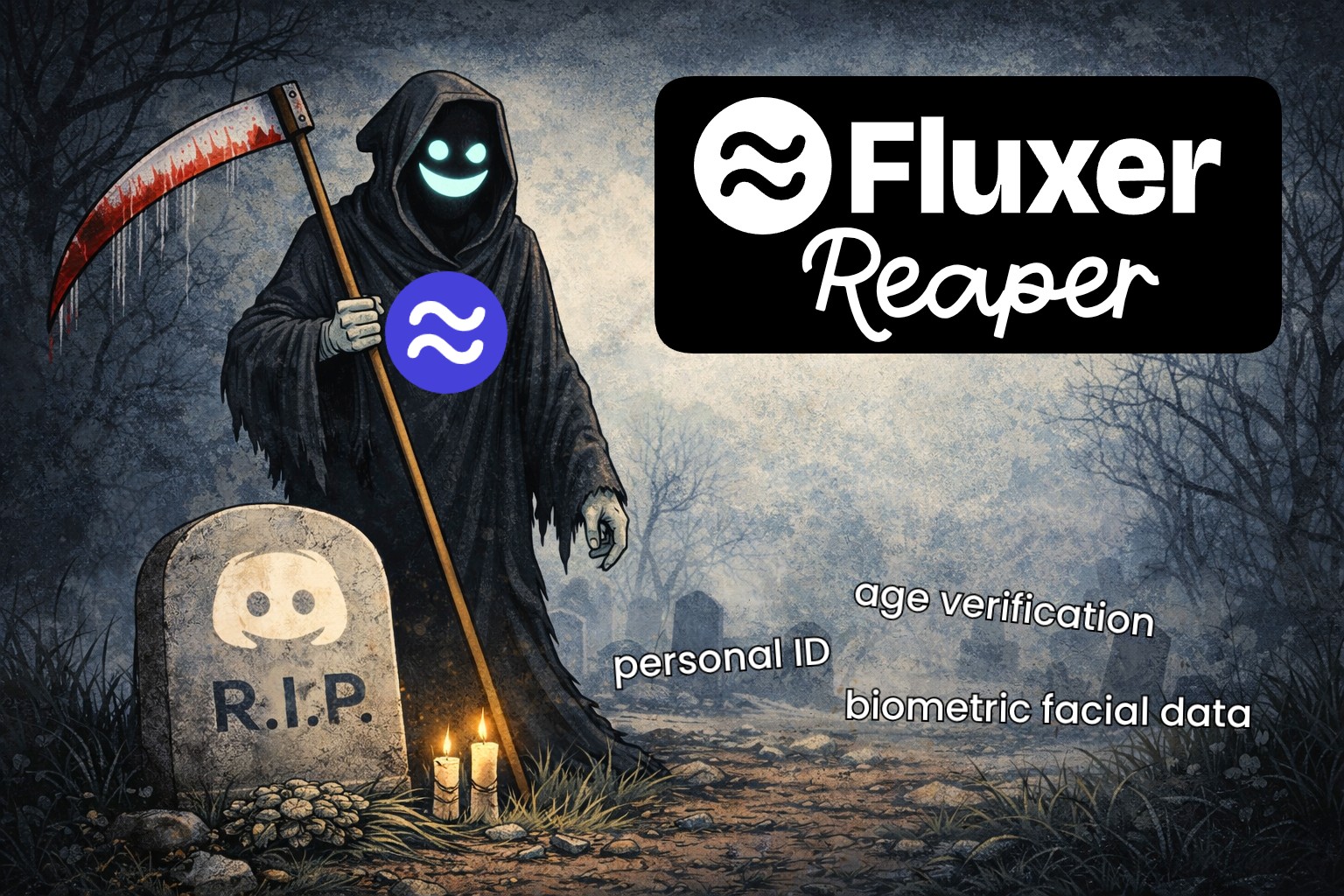
Fluxer Reaper is a simple tool to help you move your Discord server content over to a Fluxer community. It handles channels, roles, emojis, and even your message history.
Getting Started
1. Prerequisites
Make sure you have Python installed on your computer.
2. Download or Clone
Clone the repository using git:
git clone https://github.com/rambros3d/fluxer-reaper.git
cd fluxer-reaper
Alternatively, you can download the project as a ZIP file and extract its contents.
3. Install the tool
Open your terminal and run:
pip install -r requirements.txt
4. Run it!
Start the tool by running:
python fluxer-reaper.py
Features
- Clone Server Structure: Automatically creates all your Discord categories and channels in Fluxer.
- Copy Roles: Copies your roles and their basic permissions.
- Copy Emojis & Stickers: Copies your custom emojis and stickers over.
- Message History: Select a specific channel and migrate messages starting from the oldest or a custom point.
- Server Identity: Syncs your server name, icon, and banner.
- Danger Zone: Option to wipe existing channels, roles, and content in the fluxer community.